AI video prompts are different from image prompts because they need to describe time, motion, and continuity. A still prompt can stop at outfit, background, and lighting. A video prompt also has to tell the model what changes, how the camera moves, and what should stay stable while the clip plays. That is why a good prompt often looks more like a small film brief than a single sentence.
This page gives you 10 copy-ready AI video prompt examples for Veo, Kling, and Seedance. Each one is built to be practical first. You can paste the prompt, swap the subject if needed, and use it as a starting point for your own image-to-video workflow.
What Makes a Good Video Prompt?
A strong video prompt is specific in three places: the subject, the motion, and the scene. If one of those is vague, the output usually feels generic. If all three are clear, the model has a much better chance of producing a clip that feels controlled instead of random.
The other thing that matters is restraint. You usually do not need five camera moves, three moods, and six actions in one prompt. The best prompts are often the ones that name one main motion, one main visual style, and one clear visual outcome. That is the core idea behind a useful AI video prompt generator.
10 Video Prompt Examples
1. Veo: Cinematic Portrait Push-In
Use this when you want a calm, high-end portrait clip with a clean forward camera move.
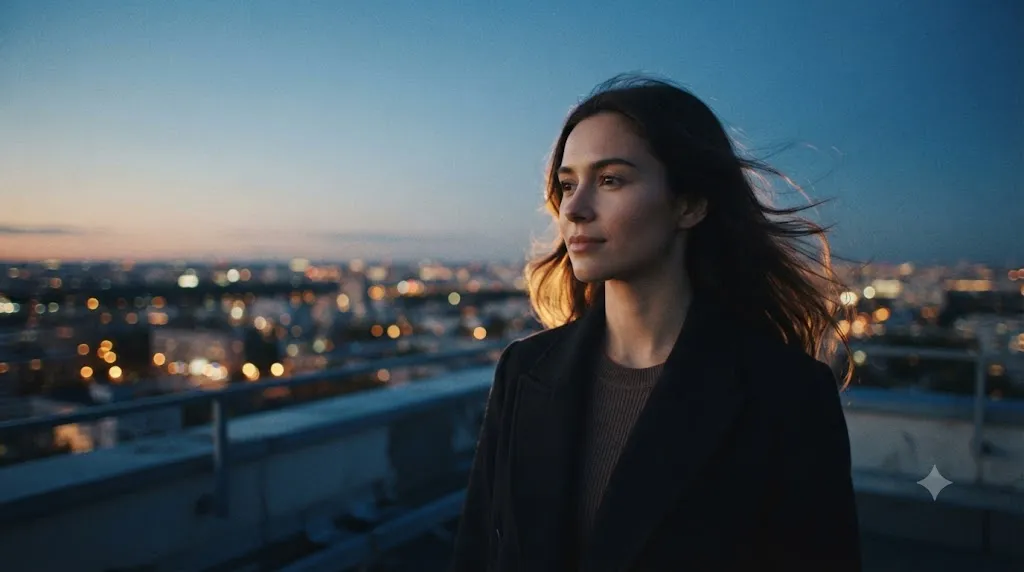
Create a cinematic 5-second portrait video. A young woman stands on a quiet city rooftop at blue hour, hair moving slightly in the wind, warm city lights behind her. Camera movement: slow push-in. Lighting: cool sky ambient with soft warm rim light. Style: polished editorial realism, stable face, natural skin texture.This is a good Veo example because it keeps the motion simple. The subject is still enough to stay readable, but the push-in gives the clip a clear sense of progression.
Try this format in the Veo Prompt Generator after you upload your source image.
2. Veo: Rainy Street Motion
Use this for urban scenes where reflections and atmosphere matter as much as the subject.
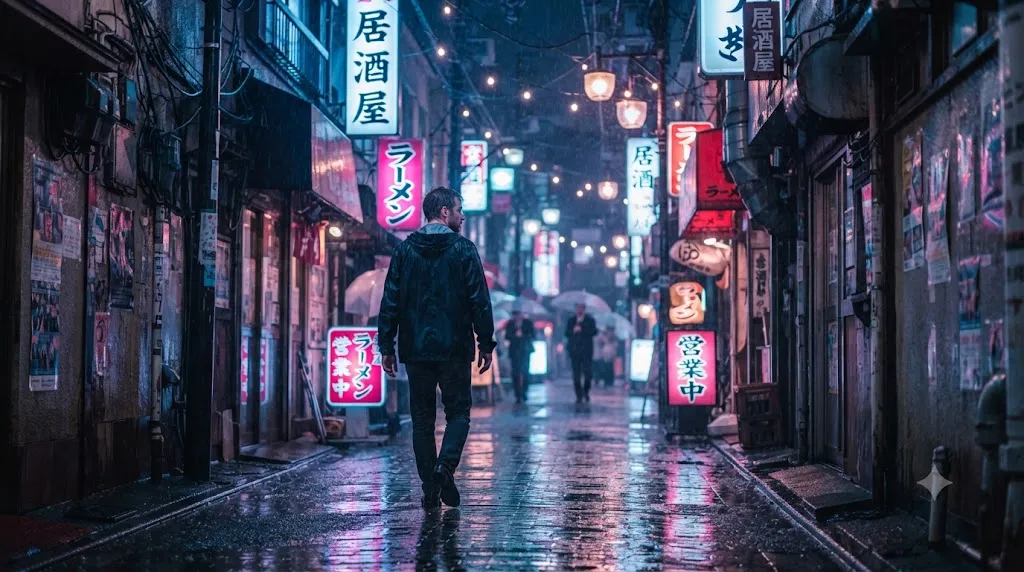
Create a cinematic 6-second street clip. A man in a dark jacket walks slowly through a rainy Tokyo alley at night, neon signs reflecting on the wet pavement. Camera movement: gentle handheld follow shot. Lighting: neon blue and magenta mixed with streetlamp glow. Style: realistic, moody, shallow depth of field.This works well because the prompt gives Veo one clear action and one clear visual texture. Rain, reflections, and neon give the model a strong environment to preserve.
3. Veo: Product Turntable Shot
Use this when the subject is an object and you want a polished ad-style result.
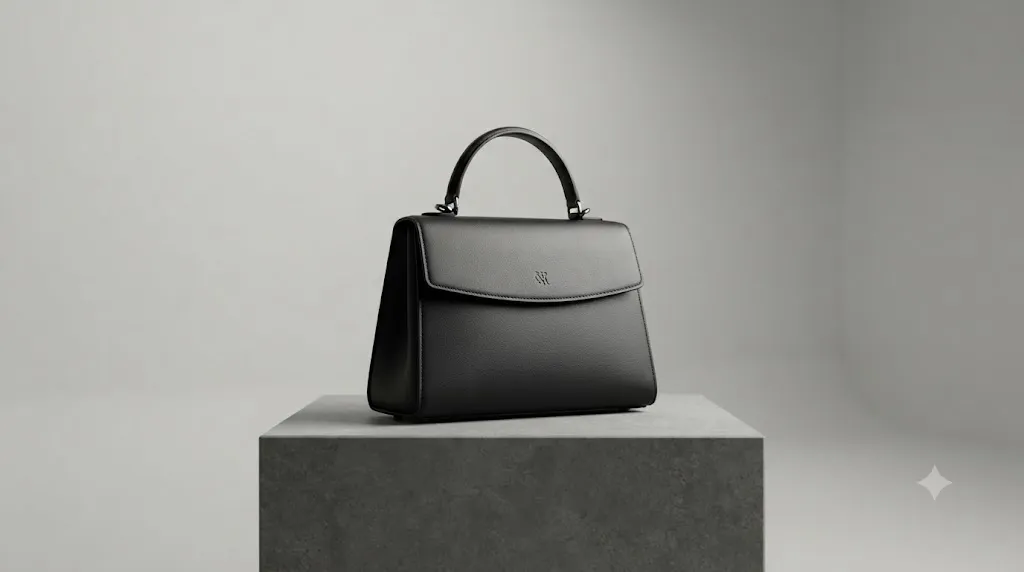
Create a 5-second product video of a matte black leather handbag on a stone pedestal. Camera movement: slow orbit from left to right. Lighting: soft studio key light with subtle shadow falloff. Style: premium product commercial, clean background, crisp material detail, no distracting motion.Product prompts should be direct. Veo usually performs better when the object, the camera path, and the lighting are all named clearly in the first sentence.
4. Veo: Golden Hour Travel Clip
Use this for landscapes, travel reels, and scenic establishing shots.
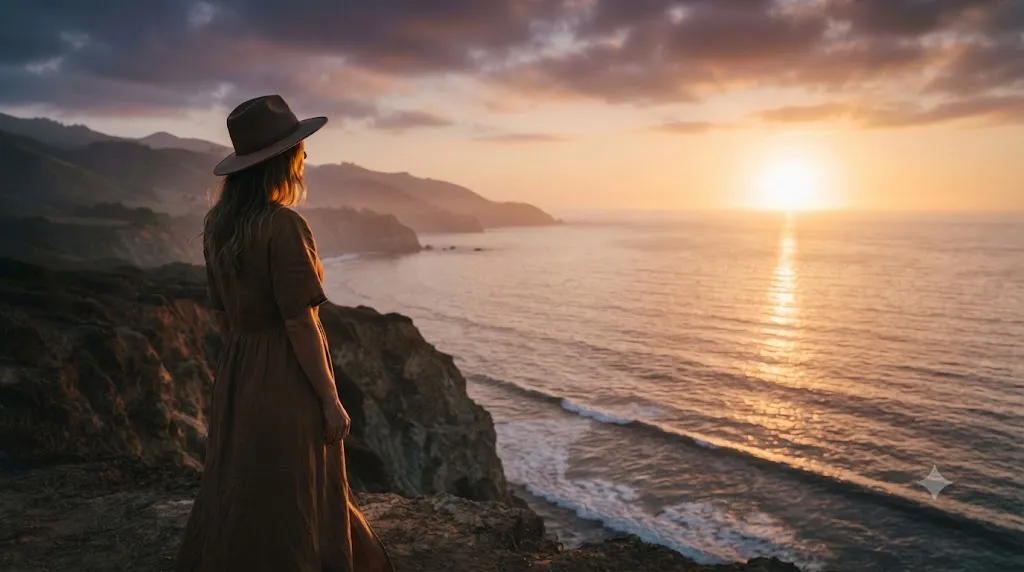
Create a 6-second travel video of a woman standing on a cliff above the ocean at sunset. Camera movement: slow pull back to reveal the coastline. Lighting: golden hour backlight with soft haze over the water. Style: dreamy travel film, natural motion, stable horizon.This prompt gives the model a reveal. That kind of motion feels more cinematic than a random zoom because the camera is uncovering the scene instead of just moving for the sake of moving.
5. Veo: Fashion Close-Up
Use this for portrait-heavy fashion content with subtle motion and strong styling.
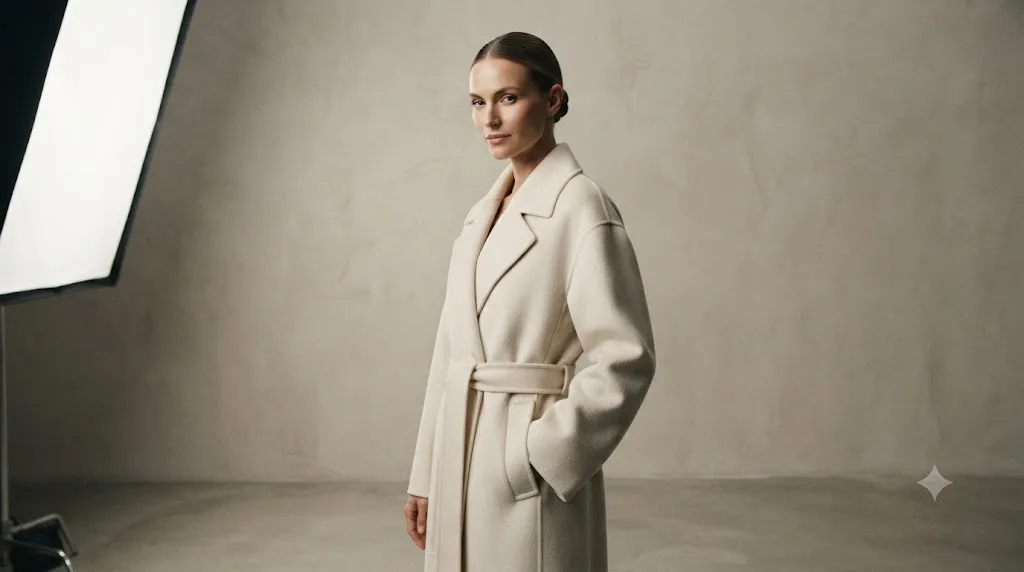
Create a 5-second fashion portrait. A model in a cream coat stands against a minimalist studio wall, turning her head slightly toward the camera. Camera movement: slow lateral slide. Lighting: softbox from camera left, clean shadow shaping, neutral tone. Style: luxury fashion editorial, realistic fabric texture.Fashion clips work best when the subject has one elegant motion and the camera keeps the outfit readable. Too much motion can hide the silhouette.
6. Kling: Start Frame to End Frame Transition
Use this when the beginning and ending state matter more than the camera language.
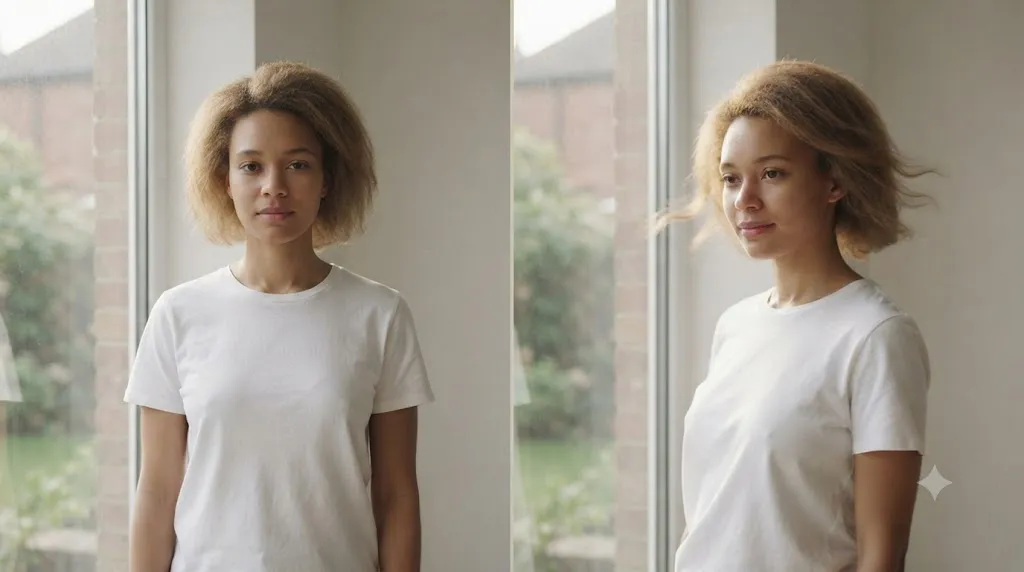
Create a 5-second Kling video prompt. Start frame: a woman stands still in a white shirt beside a window. End frame: she has turned slightly toward the light, with hair and shirt moving gently. Motion intensity: subtle. Camera path: minimal movement, focus on the transition between frames.Kling is strongest when you tell it what should change. This prompt does that without overexplaining the rest of the scene.
Use the Kling Prompt Generator to turn a source image into this start-frame and end-frame format.
7. Kling: Slow Dance Motion
Use this for social clips, music videos, and soft emotional motion.
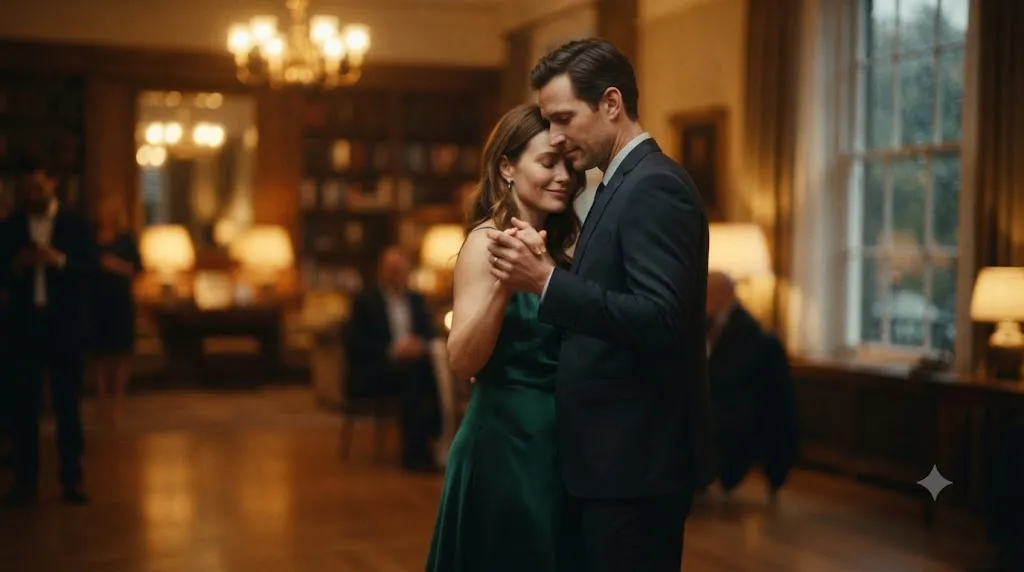
Create a 6-second Kling clip. A couple slow dances in a softly lit room, hands together, one gentle turn, no fast movement. Motion intensity: moderate. Start frame: facing each other. End frame: a slight rotation with soft motion blur in the background only. Camera path: steady and restrained.The useful part here is the separation between motion intensity and frame change. That is exactly the kind of structure a Kling prompt generator should keep visible.
8. Kling: Weather Change Sequence
Use this when you want a small environmental transformation over time.
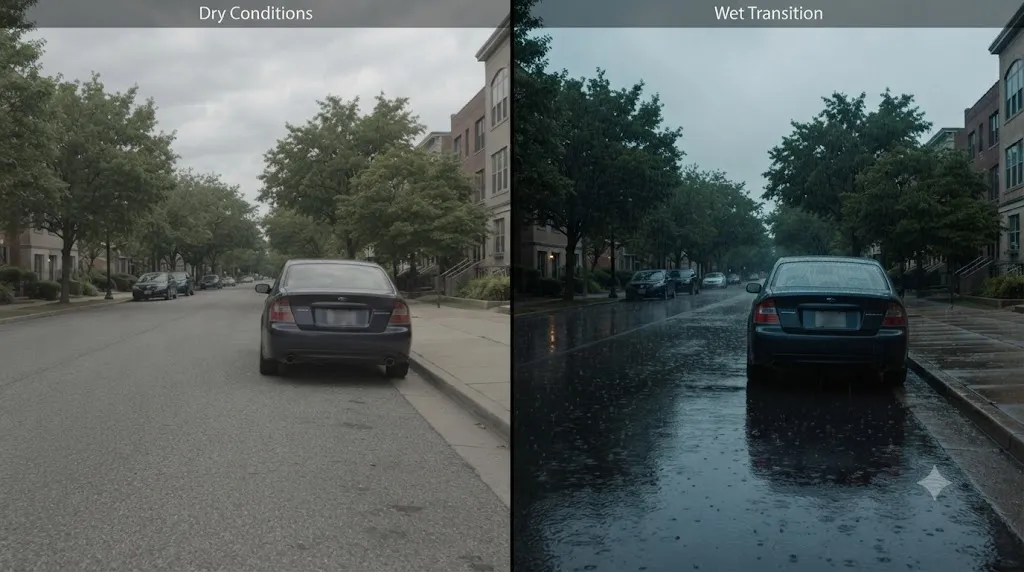
Create a 5-second Kling video prompt. A parked car sits on a quiet street as light rain begins and the reflections slowly appear on the pavement. Motion intensity: subtle. Start frame: dry street. End frame: wet reflections and a slightly darker sky. Camera path: locked-off shot with no major movement.This kind of prompt is useful because the motion comes from the environment, not only from the subject. That often produces a cleaner result than forcing a person to move too much.
9. Seedance: Two-Shot Fashion Reel
Use this when you want a director-style sequence instead of one continuous motion.
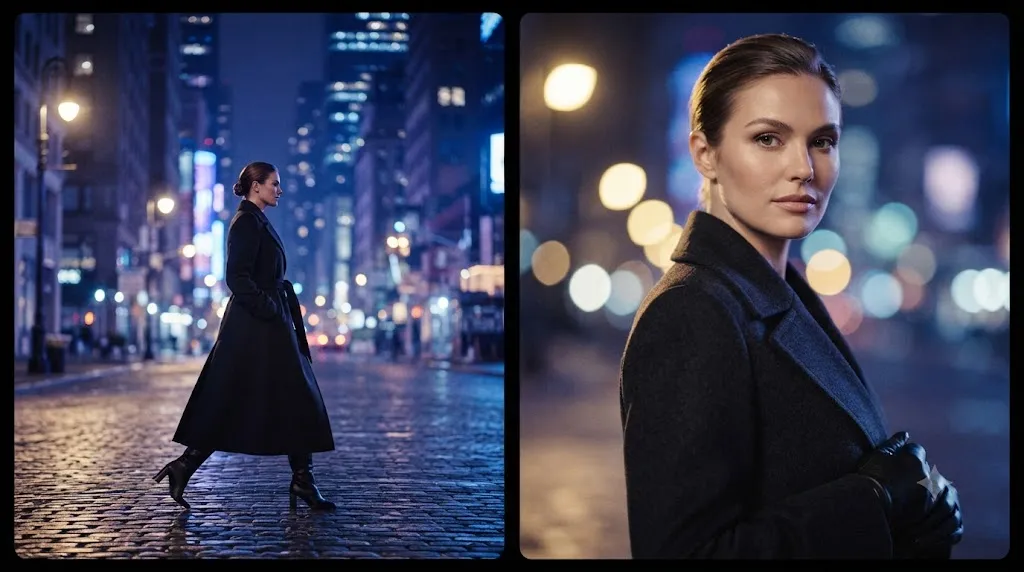
Shot 1: wide fashion entrance shot, subject walking into frame in a long coat, city lights behind. Shot 2: close-up of the subject turning toward camera, fabric detail sharp, expression calm. Lighting: cool urban night with warm rim light. Style: editorial fashion reel, clean cuts, polished motion.Seedance likes structure. A prompt like this works because each shot has one job and the model can plan the clip in beats instead of trying to do everything at once.
10. Seedance: Wedding Detail Sequence
Use this for romantic clips, ceremony details, and soft emotional scenes.
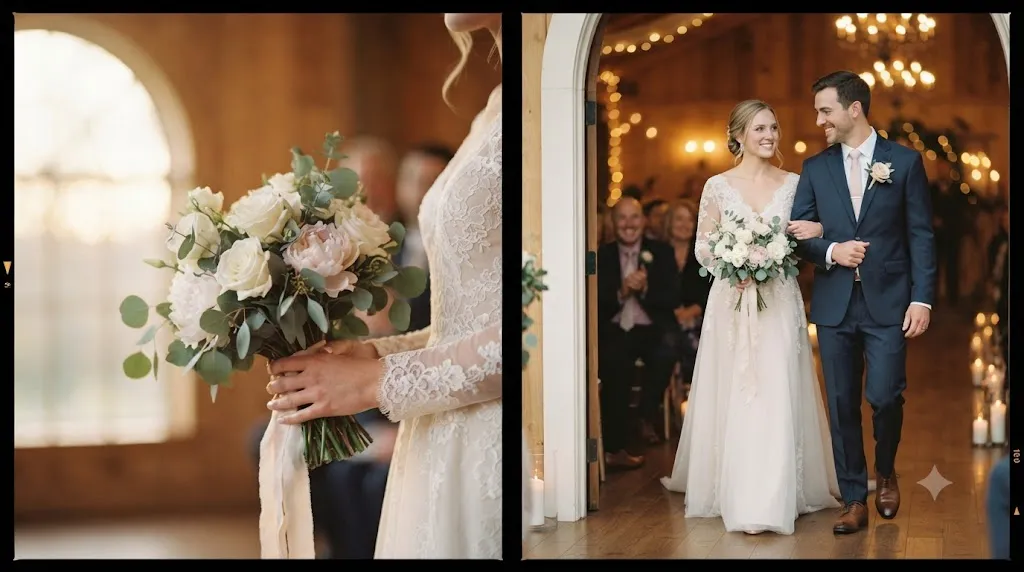
Shot 1: close-up of hands holding a bouquet near soft window light. Shot 2: medium shot of the couple smiling gently as they step forward together. Lighting: warm indoor ceremony light, elegant and natural. Style: cinematic wedding reel, realistic faces, soft movement, refined composition.This is a good Seedance pattern because it reads like a tiny storyboard. The model gets a clear beginning, middle, and emotional finish.
Build a shot list like this with the Seedance Prompt Generator and refine the individual shots afterward.
How to Use These Prompts
Start with the example closest to your image or clip idea. Then swap only the parts that matter: the subject, the place, the camera move, or the mood. If you change everything at once, it is harder to tell what improved the result and what made it worse.
For faster iteration, keep the prompt shape the same and test one variable at a time. Try the same clip with a slower camera move, a different time of day, or a softer lighting cue. That is the easiest way to learn what each model actually responds to.
If you want a shorter working loop, use the AI Video Prompt Generator first, then jump into Veo Prompt Generator, Kling Prompt Generator, or Seedance Prompt Generator when you already know which format fits the shot.
Conclusion
Good video prompts are not about writing more words. They are about giving the model enough structure to make the motion believable. If you keep the subject clear, the camera simple, and the lighting consistent, you usually get a much better first result.
Copy one prompt, generate one clip, and then refine from there. That is the fastest way to learn what your model likes and to build a repeatable prompt library you can actually reuse.